> ## Documentation Index
> Fetch the complete documentation index at: https://docs.telemetree.io/llms.txt
> Use this file to discover all available pages before exploring further.
# Dashboard
> Your step-by-step guide on setting up your dashboard
You'll be able to the dashboard once we get at least one event from you!
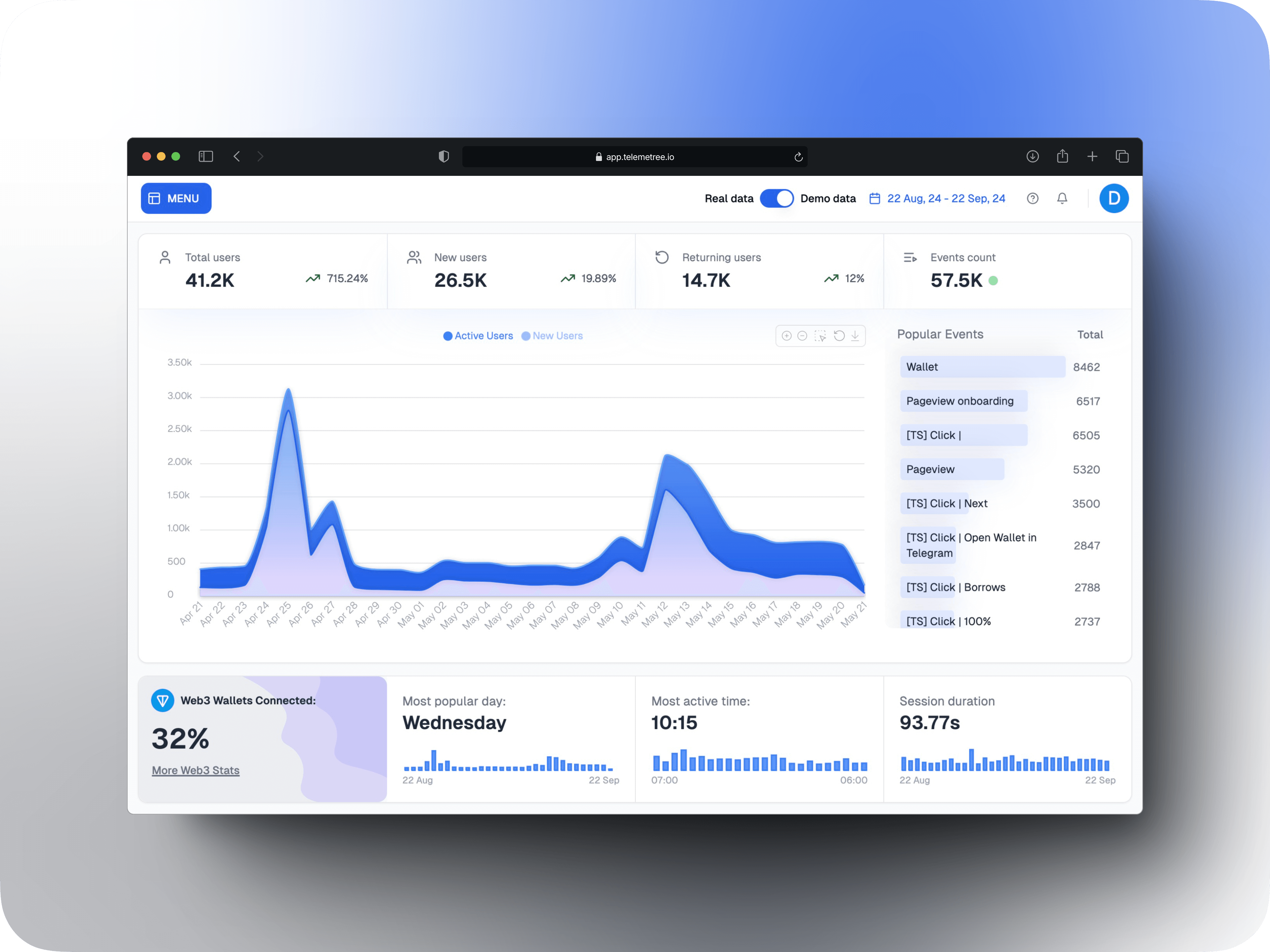 Create an account at [Telemetree](https://telemetree.io) -- it's 100% free!
Verify your email and proceed to the dashboard.
Before you get access to your dashboard, please, use one of our SDKs to connect your app to Telemetree.
Download our [SDK](https://telemetree.io/sdk) and integrate it into your project.
After our SDK captures at least one event from your app, you will get access to your dashboard.
*Important*: it may take up to 60 minutes for the event to appear in your dashboard.
If you are feeling lost, don't worry! You can alwasy reach out to our support team [here](https://t.me/ton_solutions_eden)
Create an account at [Telemetree](https://telemetree.io) -- it's 100% free!
Verify your email and proceed to the dashboard.
Before you get access to your dashboard, please, use one of our SDKs to connect your app to Telemetree.
Download our [SDK](https://telemetree.io/sdk) and integrate it into your project.
After our SDK captures at least one event from your app, you will get access to your dashboard.
*Important*: it may take up to 60 minutes for the event to appear in your dashboard.
If you are feeling lost, don't worry! You can alwasy reach out to our support team [here](https://t.me/ton_solutions_eden)